Open Source AI Model Guides
Open source AI models give developers more control over deployment, privacy, and customization. These open source model setup guides help you choose a model and turn its files into a working local or hosted setup.
2 guides
What you can learn
- Compare open models for coding and reasoning
- Understand context windows and hardware requirements
- Follow practical local and API-based setup paths
Open source and openly released models are not interchangeable in every situation: licenses, model size, context length, and supported runtimes vary. Compare those details before building a workflow around a model. The guides in this category focus on practical decisions such as whether a model is suitable for coding, whether it can run on consumer hardware, and whether an API is easier than local installation.
Run Qwen2.5 Coder Locally — Best Free Coding AI
Qwen2.5 Coder from Alibaba rivals GPT-4 on coding tasks. Run it free, locally, on your own hardware.
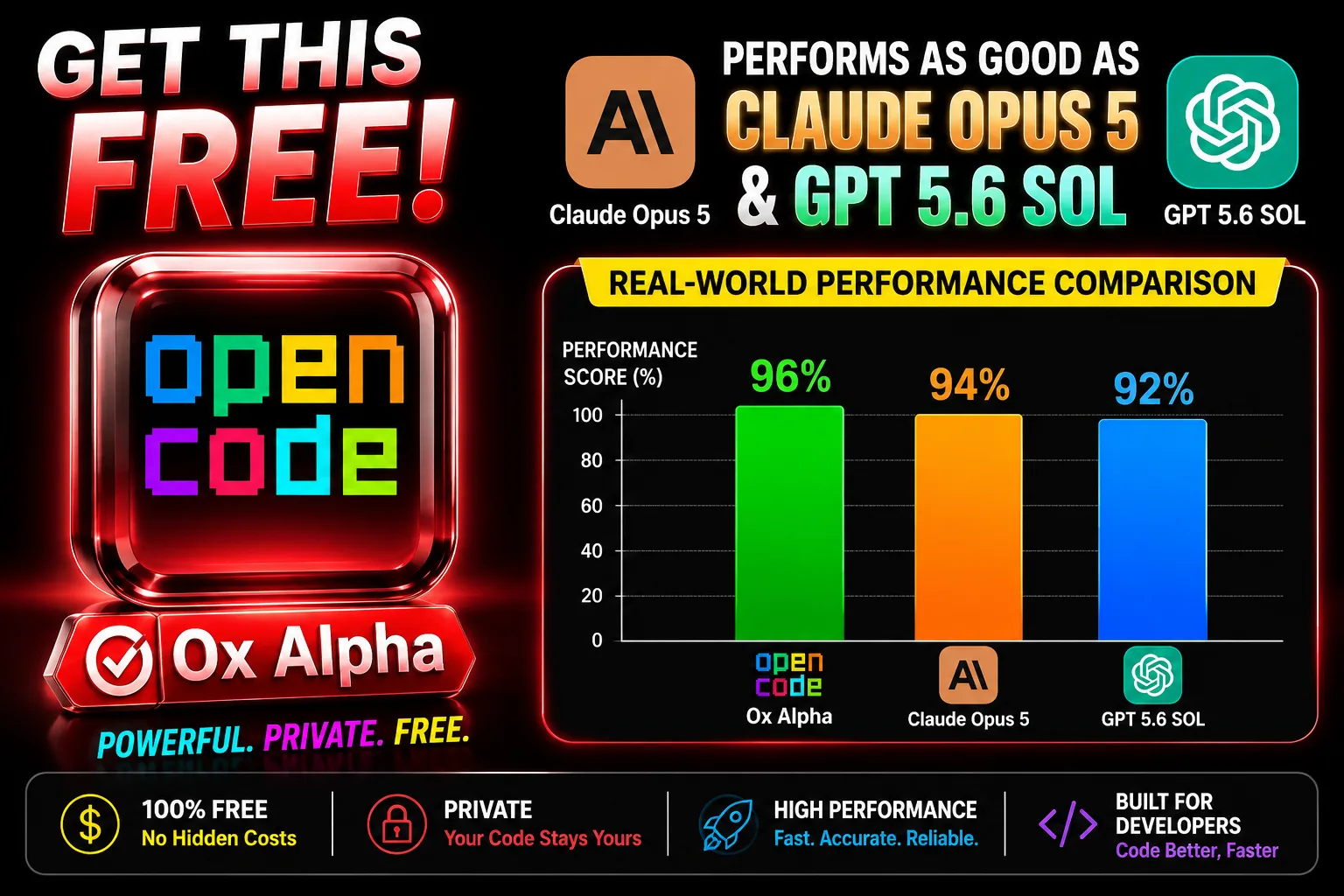
How to Install OpenCode with Free Ox Alpha
This AI setup tutorial provides a direct, step-by-step guide to installing OpenCode and configuring the highly capable Ox Alpha model
Open Source Models questions
What should I check before choosing an open source model?
Check its license, parameter size, quantization options, context window, hardware requirements, and whether the model supports your task. These details affect both cost and reliability.
Are open source models always free to use?
The model files may be available at no charge, but hosting, storage, and API usage can still cost money. Review the license and the provider's terms before commercial use.
Need a recommendation first? Use the free AI setup wizard or compare every AI model.